Never miss
“that moment”in YouTube videos
Save timestamps and replay them anytime with a single tap.
Always return to your favorite scenes.
Features
What you can do
Save timestamps
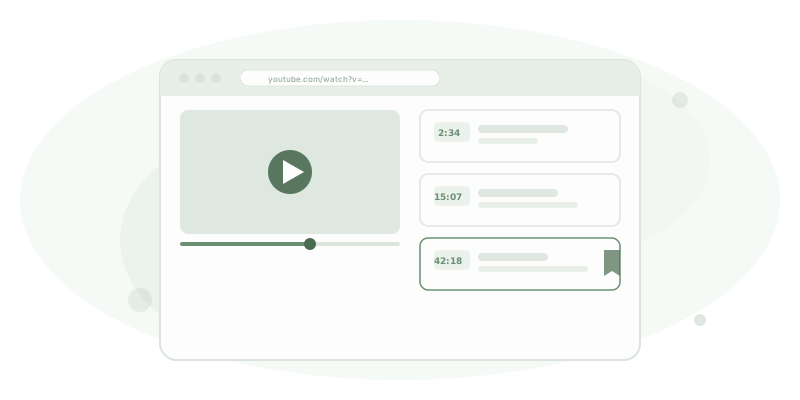
Bookmark your favorite moments with timestamps. Add notes too.
One-tap playback
Tap to instantly play from the saved moment.
Chronological view
Auto-grouped by date. See when you saved each bookmark at a glance.
Cloud sync
Access from any device with Google sign-in.
How to use
Get started in 3 steps
01
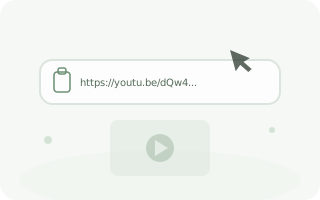
Paste URL
Copy a YouTube video URL and paste it into the input bar. Title and thumbnail are fetched automatically.
02
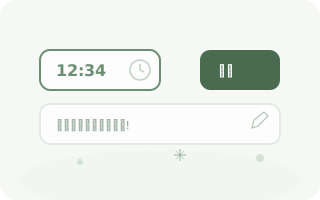
Enter timestamps
Enter the playback times you want to save. Add notes for easy reference later.
03
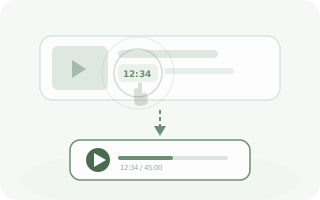
Tap to play
Tap a saved timestamp to play the video from that exact moment.
Ready to get started?
Sign in with your Google account to start using Tmarker.
All you need is a Google account to get started.
Free to useEasy sign-inCloud sync